
Functional UI Automation
Automate the testing of any User Interface on any Operating System and any device
Any application, any
device, any OS
Automate anything on the screen, on any platform
Low code or
no code
No need to type a single line of code using T-Plan’s intuitive UI
Increase
productivity
Release staff from mundane tasks to maximise their potential
Reliable and
Repeatable
Repeat user interactions continually with zero fatigue
Trusted by leading companies for over 20 years







Get a FREE demo today
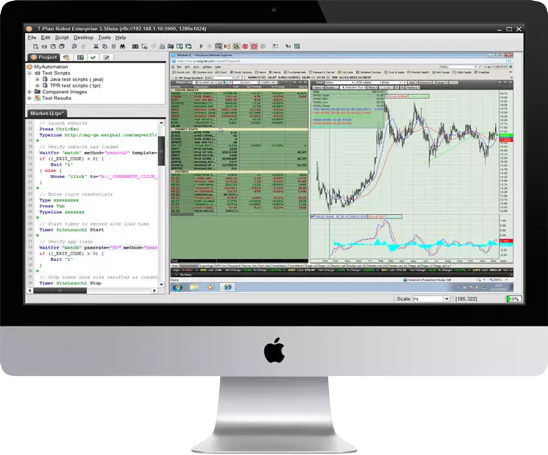
T-Plan Robot is the most flexible tool on the market, allowing you to input data feeds in various formats including spreadsheets, databases, PDFs, text files and more. At any point in the automation cycle, T-Plan Robot can communicate and use live data through APIs and web requests.
Why Automate Functional UI Testing?
It is essential to verify that any application works as intended for the end users. The only way to do this is to navigate the application exactly as a user would, through the standard controls.
Overlapping or miss-aligned elements, incorrect logos and images are all typical issues that are easily identified with image based functional UI automation that could otherwise be missed if looking purely at backend code/elements.
- Repeat tests in a fraction of the time required for manual testing
- Divert valuable resources to higher value add tasks
- Conserve system resources by running concurrent tasks overnight
- Drive applications as the end-user would to see in-situ functionality
Verify functional elements of your application through native user interactions.
No-code
required
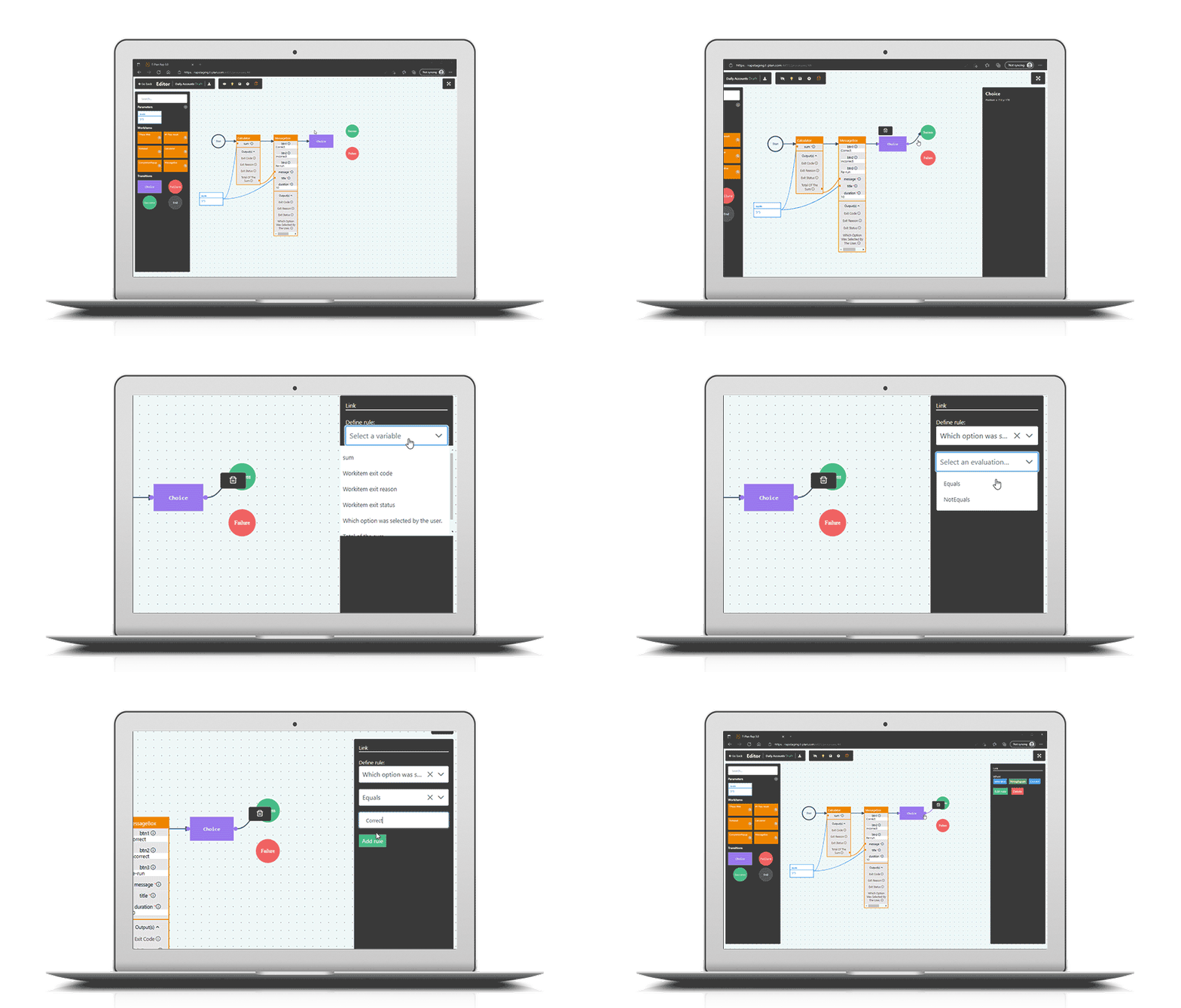
The simple drag and drop editor makes automation accessible to people of all levels of experience across your organisation.
Create Once, Repeat
Executions
With minimal maintenance you can run repetitive cycles of automation tests, increasing ROI with each cycle.
Record and
playback
Create repeatable automation packs by simply recording your own actions as you step through your application. No need to ever see or write any automation code.
External data
Integration
Drive automated actions and execution flow based on data from various formats including spreadsheets, databases, pdf’s and text files.
Automates every aspect at screen level
What you see is what you test. Business analysts can leverage application knowledge to assist in test case creation
Multi-Platform
Support
Unlike any other tool on the market, T-Plan Robot can automate across Mac, Windows, Linux; across IE/Edge, Safari, Firefox; across Java, MFC, WPF, QT, MacOS, HTML5; across Android, iOS and many more
Image-based for true
“end-user” simulation
The tool navigates through the GUI the same way a user does and verifies the test results visually, seeing the same image output as the user.
Integrations with
third party tools
Seamlessly blend T-Plan Robot into any framework or integrate directly with applications such as Jennkins Continuous Integration for Build/Test/Release cycles
Robotic Process Automation (RPA):
Key Features
T-Plan comes with the web portal, development and execution features. Thanks to its open architecture with extension interface, the platform can also be easily customised and integrated with other systems.
Support at every stage
Extensive Training
& Learning Centre
Documentation, guides and learning resources to help teams get started quickly.
Expert Technical
Support
Responsive support from automation specialists with deep product knowledge.
Rapid Time
to Value
Build, deploy and execute automation quickly with an intuitive low-code/no-code platform.
Continuous Product
Innovation
Regular product updates and enhancements designed around customer feedback.
Platform Agnostic. Built for Automation.
Integration Capabilities
Integrate with databases, APIs, PDFs and enterprise systems to automate workflows without disrupting existing processes.
Platform Agnostic
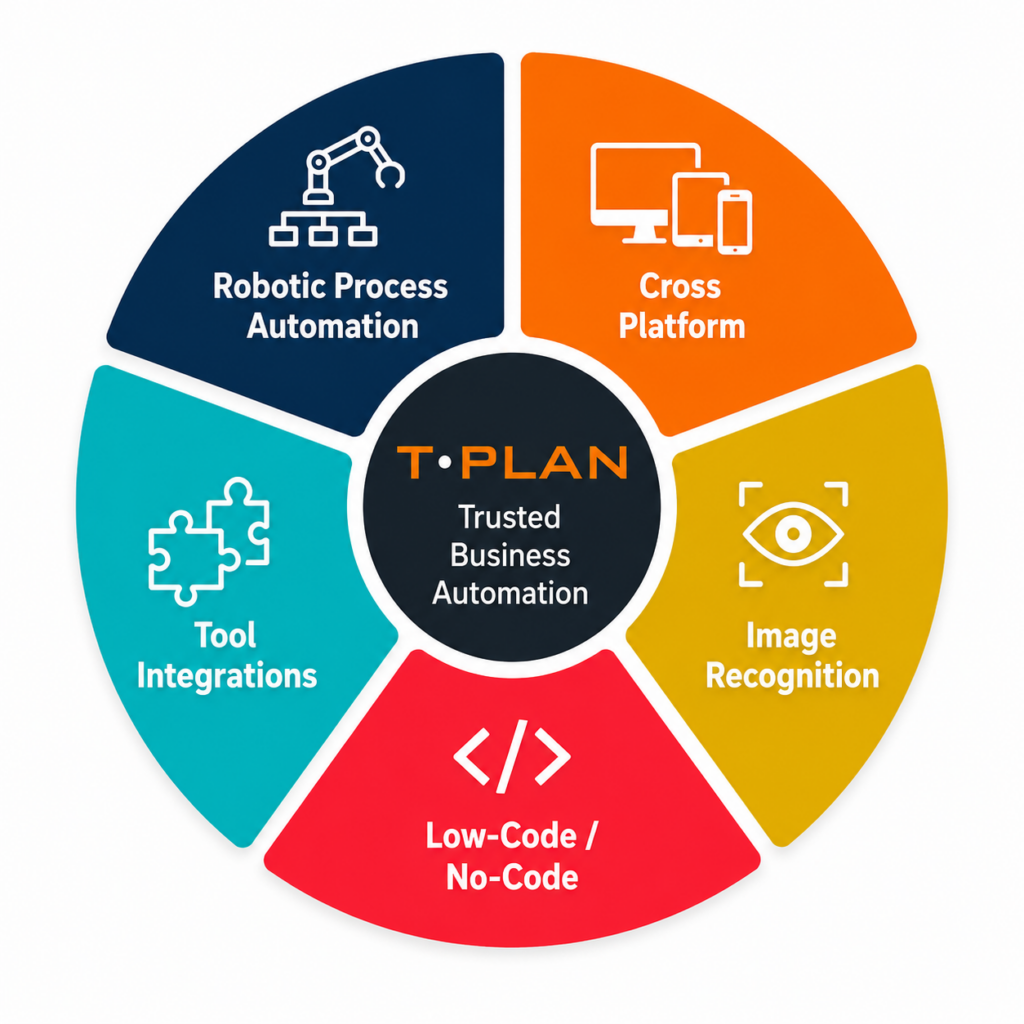
Image Recognition
Visual automation validates actions based on what users actually see on screen, improving reliability across dynamic environments.
No-Code Access Required
An intuitive interface designed for technical and non-technical users, combining drag-and-drop simplicity with low-code flexibility.