































Image-Based CAD Test Automation

Deliver faster, more reliable CAD releases with image-based automation that visually validates complex interfaces, streamlines quality assurance, and ensures flawless performance across environments.

  • Cross-Platform 
    Test on Windows, MaciOS, Android and Linux with one script.
  • Visual Precision 
    Detect rendering and UI issues exactly as users see them.
  • Faster Releases 
    Replace manual checks with repeatable, automated tests.
  • No-Code 
    Create and run tests without scripting or plug-ins.

Why choose T-Plan for CAD Automation Testing?

Beyond improving accuracy and reducing the time spent on manual validation, T-Plan’s visual automation platform delivers key advantages for CAD and engineering environments:

  • Non-invasive approach:
    Run automation remotely without modifying CAD files, workstation configurations or design assets, ensuring a secure and isolated test environment.
  • Supports all CAD platforms:
    Automate workflows across popular CAD and engineering applications, with the flexibility to write, convert and run scripts for advanced customisation.
  • Human-like execution:
    Simulates real user interactions at the GUI level, enabling precise step-by-step validation of design operations, tool selections, menus and on-screen workflows.
  • Image-based recognition:
    Identifies and verifies visual elements directly on the screen, ideal for CAD systems that do not expose object-level identifiers or API hooks.
  • Cross-platform compatibility:
    Works reliably across Windows, macOS, Linux and virtualised environments, supporting diverse CAD toolchains and engineering setups.
  • Flexible licensing:
    A simple concurrent licensing model based on active connections, with the same price across platforms for predictable, scalable deployment.
  • Flexible licensing:
    Concurrent licensing with one price across platforms.

Why Automate CAD Testing?

Automating CAD testing removes the burden of repetitive manual tasks, allowing teams to focus on higher-value engineering and design work. By validating visual outputs consistently and repeatably, automation improves accuracy and reduces human error across complex workflows.

Key CAD automation benefits:

  • Greater efficiency, thanks to faster validation cycles and reduced manual effort
  • Speed up time to market, giving engineering teams a competitive advantage
  • Improved scalability for handling large, complex or multi-platform design projects
  • Consistent, repeatable quality through predefined validation rules
  • A single source of truth for visual and functional test outcomes
  • Higher-quality outputs, supported by accurate and reliable test execution

Trusted by Hundreds of Companies and Used by Thousands of People for Over 25 Years

What Our Automated Game Testing Tool Users Have To Say About Us

Quotation Marks in Grey

Goodyear’s automation of a CAD system was necessitated by the burden of a long and complicated manual test cycle. The presence of complex shapes, patterns, colours and geometries made the testing scenarios intricate and precise, which was best achieved using our advanced image recognition engine.”

Good Year Logo

No-Code
Required

An intuitive drag-and-drop interface makes automation simple for technical and non-technical users alike.

Create Once, Repeat Anywhere

Define and reuse image-based tests across environments to support agile and continuous development.

Record and
Playback

Capture real user interactions and replay them across CAD platforms for consistent, visual validation.

External Data
Integration

Drive automation using live data from spreadsheets, databases, PDFs, or APIs for realistic CAD test scenarios.

Screen-Level
Automation

Test directly at the visual layer, replicating end-user actions and ensuring accurate, interface-driven results.

Multi-Platform
Support

Automate across Windows, macOS, and Linux — plus mobile and virtual environments — all from a single platform.

Image-Based for True End-User Simulation

Execute tests exactly as users experience them, visually confirming accuracy within CAD and design interfaces.

Third-Party
Integrations

Integrate seamlessly with Jenkins CI/CD pipelines and other tools to streamline build, test, and release workflows

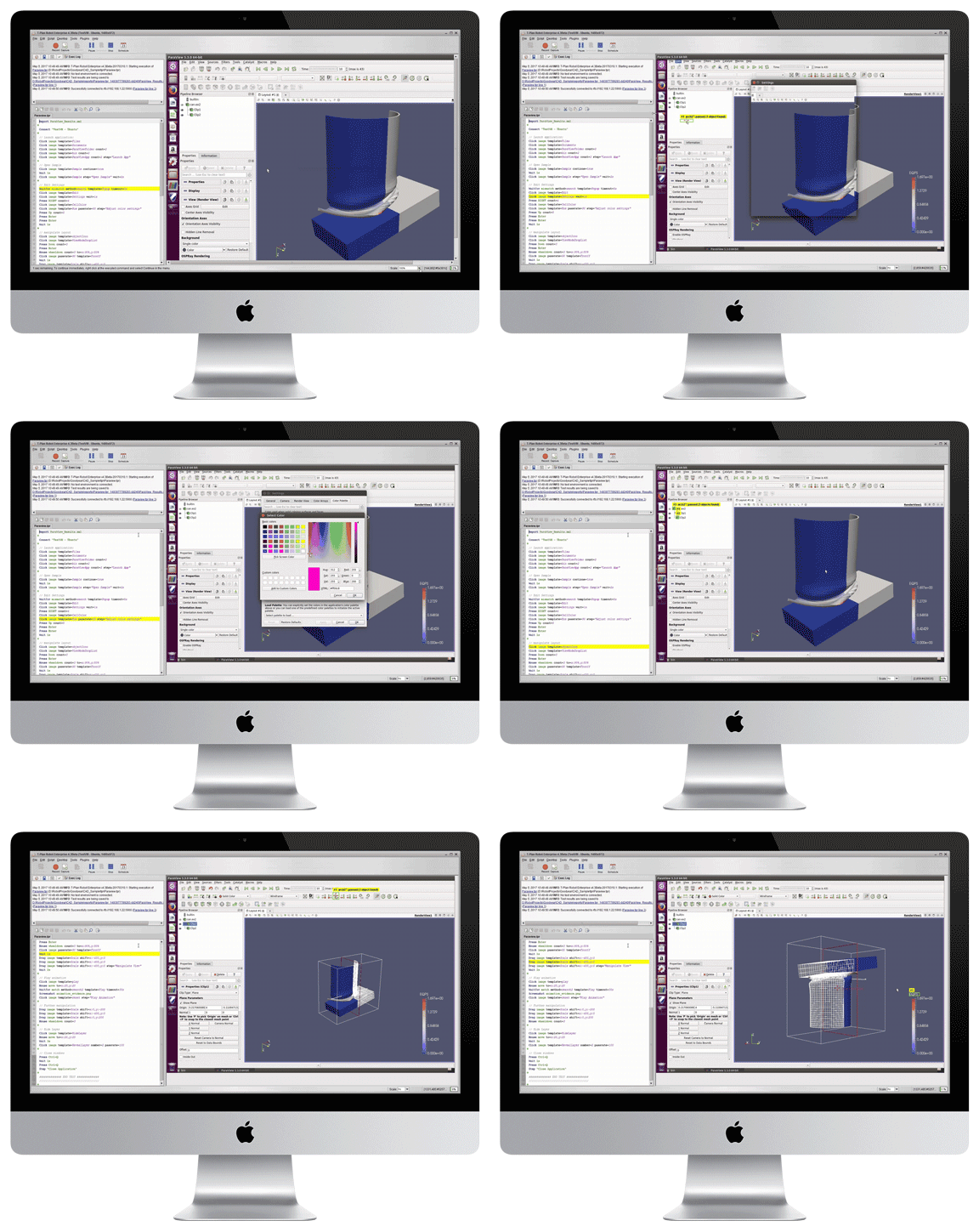
Watch T-Plan Robot Automating Paraview CAD Software on a Linux Ubuntu Environment

T-Plan interacts with ParaView exactly as a user would, automating every step at screen level without relying on APIs or code access. The example below demonstrates how easily T-Plan handles visual workflows inside complex CAD and simulation environments.

Because the platform is fully technology agnostic, the same automation workflow can be executed across Windows, macOS and Linux, making it ideal for engineering teams that need consistent results across mixed operating systems or distributed workstations.

Platform Agnostic, Seamless Integration

Integration Capabilities

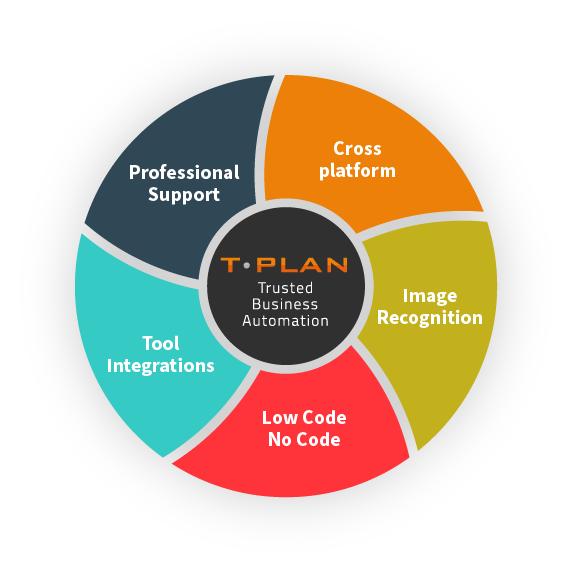
Integrates with a wide spectrum of  tools, including Selenium for script-less automation of web browsers, & Jenkins for Continous Integration; saving time & effort, vs building and maintaining external testing frameworks.

Platform Agnostic

Automates GUI testing seamlessly across web and mobile platforms, supporting both Mac, Windows, and Linux environments with unified application, code, and file compatibility.

Image Recognition

Providing essential user feedback directly from the end-user’s perspective. Validated based on what is visually observed, not solely on the code’s output. Seen vs Coded!

No-Code Access Required

An intuitive user interface designed for both technical and non-technical users, featuring drag-and-drop functionality. No Code / Low Code.

CAD Automation FAQs

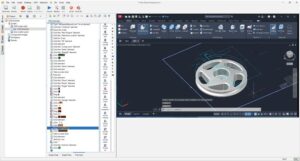
CAD automation is the process of using software tools to automate repetitive or complex tasks within Computer-Aided Design environments. It allows engineering and design teams to streamline workflows such as model creation, drawing updates, visual checks, tool selection, data entry and regression validation.

T-Plan supports CAD automation by interacting with the software exactly as a user would at screen level. This enables teams to automate testing, validate visual outputs and standardise workflows across any device or platform without plug-ins, code changes or CAD-specific integrations.

Although CAD tools vary by industry, they generally fall into four broad categories:

  1. 2D CAD – Used for technical drawings, schematics and floor plans (e.g. AutoCAD LT).

  2. 3D CAD – Used for modelling complex components and assemblies in three dimensions (e.g. SolidWorks, Autodesk Inventor, CATIA).

  3. 3D Modelling & Visualisation – Focused on rendering, animation and simulation (e.g. Blender, Rhino, 3ds Max).

  4. CAE / CAM-Integrated CAD – Combines design with engineering analysis or manufacturing workflows (e.g. Siemens NX, Fusion 360).

T-Plan can automate any CAD application that renders visually on screen, regardless of category or underlying engine.

CAD solutions are software platforms used by engineers, designers and architects to create, modify and analyse digital models or technical drawings. These solutions support product development, structural design, manufacturing workflows and visual simulation.

They often include tools for drafting, 3D modelling, assembly design, rendering, data management and collaboration.

T-Plan complements CAD solutions by providing a way to automate UI interactions, validate design workflows and test outputs visually across different operating systems and hardware environments.

CAD automation tools help automate tasks such as modelling, drawing updates, data entry, regression validation and workflow testing. Examples include:

  • Scripting-based automation (e.g. AutoLISP for AutoCAD, Python scripting for FreeCAD)

  • Plug-in or macro-based automation within platforms like SolidWorks or Revit

  • API-driven automation using CAD vendor SDKs

  • Image-based automation tools like T-Plan, which automate CAD applications visually without requiring CAD-specific APIs, code access or plug-ins

Image-based tools such as T-Plan are particularly valuable because many CAD environments do not expose object-level data needed for traditional automation.

Book your FREE demo

You’re just one step away from saving time & money – get in touch today.

  • No code access required
  • Visual UI testing tool
  • iOS and Mac compatible
  • All platforms supported
  • Mimics real time user experience
  • Record and playback function
  • Award winning support

Book your FREE demo

Get in touch with our award-winning team today and unlock the power of our Automated Visual UI testing tool for your business.